An agent that configures my machine without touching it
I set up the same Linux laptop by hand twice in a few months. Before there was a third time, I had the agents I already run write its whole configuration, from a container that can't reach it.
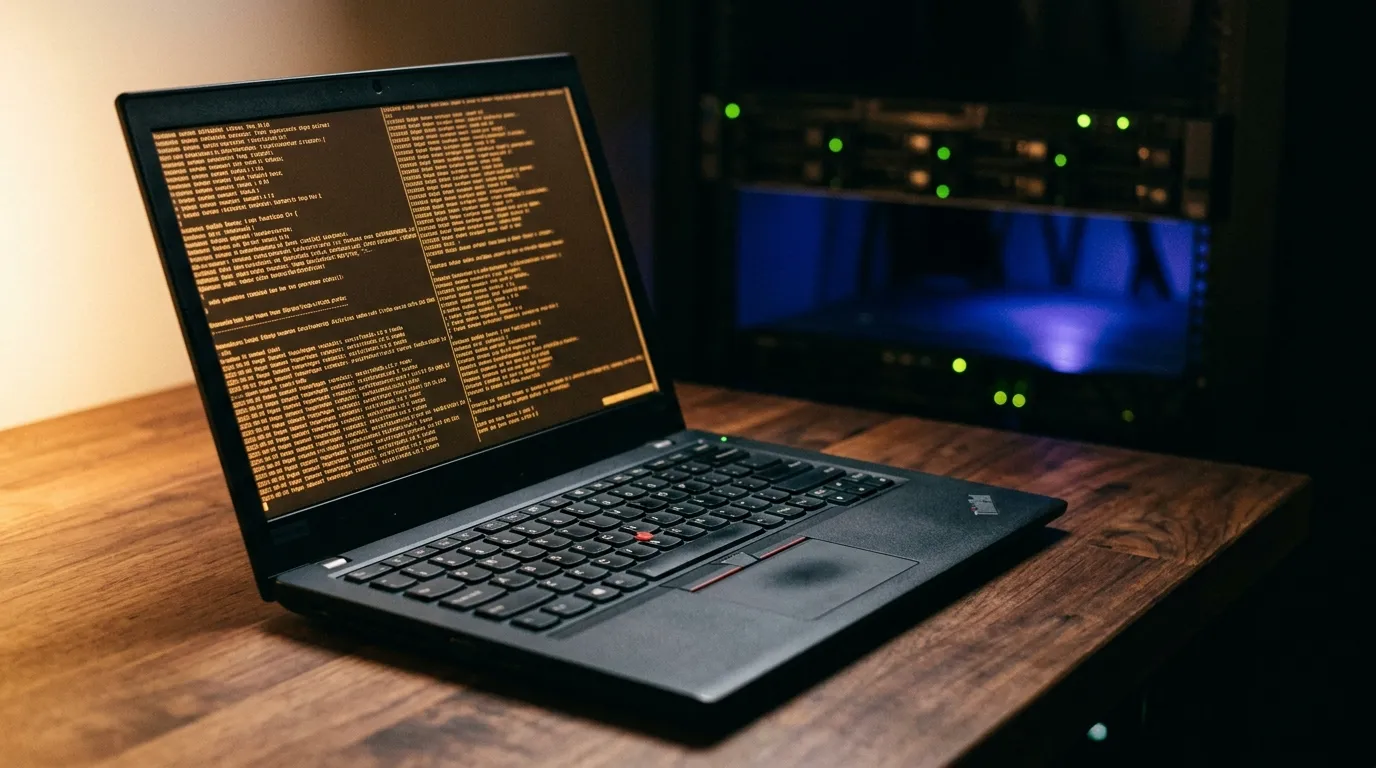
I moved off macOS recently and put Fedora on a new laptop, set up by hand like everyone does the first time. The laptop turned out to be faulty, so I sent it back and dug an old ThinkPad out of a drawer.
The second install was quicker because I had dotfiles, so my shell and editor were sorted in
minutes. The rest of the day went on everything else. Dotfiles stop at $HOME. The packages,
the services, the mounts, the fixes I’d made once and forgotten about: all of that was recorded
only on a laptop that was already in the post. So I redid it from memory, and not well.
I didn’t expect a third machine any time soon. What bothered me was that the parts of the system I cared about most were the parts I’d never written down.
So now all of it is declared, and I wrote almost none of it myself. I already had an agent working on my other repositories from a container. This became one more repository for it.
Two machines
The laptop is that ThinkPad, a T460s, now running NixOS with niri and noctalia. It’s a thin client. The real work happens on a host in the cupboard, and the agent has never logged into the laptop.
I didn’t learn Nix one module at a time. The agent wrote the configuration and I read what it produced: the disk layout, the window manager, the shell, and the module that installs the command I use to apply it all.
One repository, three profiles
Quick background if you haven’t used them: a Nix flake
describes a system with its inputs pinned, so building it again later gives the same result.
Home-manager handles the $HOME side, and
also runs on its own on distributions other than NixOS. The system side is NixOS itself, which
is exactly the part my Fedora dotfiles couldn’t cover.
The flake has one nixosConfigurations.t460s and three homeConfigurations: pycan@t460s for
the laptop, root@deb-agent for the LXC that runs the dev containers, and container for every
container, since a container’s hostname is a random ID. Home-manager runs standalone on those
last two, so Debian stays Debian.
The upshot: I get the same shell on the laptop, over SSH on the host, and in the containers the agent works in. One file builds all three.
Why I’m happy to point an agent at it
All it can produce is a diff.
The dev containers have no credentials for the laptop and no network path to it. An agent can edit Nix files in a clone and push a branch to my own Forgejo, which is another LXC on the same host, and that’s it. Nothing it writes runs anywhere, and the branch never leaves that box.
Its token belongs to an agent user that can push branches and open pull requests on any of my repos, but can’t merge to main on any of them. Forgejo enforces that, and the agent can’t touch Forgejo’s settings, so I’m not relying on it to behave.
Because of that I run it with permissions off and no prompts. A prompt asks me to approve an action, but the only action here is writing a file in a container that can’t reach anything. Clicking yes or no would be theatre. I review once, on the diff.
The containers do have open internet access. They need package registries and docs, and the only secret inside is a token that can’t merge anything.
Applying changes is my job. I run dots, a three-line script the repo installs for itself:
git -C "$dotfiles" switch main
git -C "$dotfiles" pull --rebase --autostash
sudo nixos-rebuild switch --flake "$dotfiles#t460s"
That’s the laptop version. The LXC has no system side, so there the last line is a
home-manager switch. If a change breaks something, the previous generation is still in the
boot menu.
It tests its own changes
I don’t want to review a change the agent hasn’t tried. Here it can try it on itself, because
the container profile is the environment it’s running in:
./install.sh container   # run it twice: it has to be idempotent
zsh -ic exit             # should print nothing
If it breaks the shell, it breaks its own shell, straight away, in a container I can throw away.
The system side gets checked without a NixOS machine anywhere:
nix eval .#nixosConfigurations.t460s.config.system.build.toplevel.drvPathThat evaluates the full configuration of a laptop the container has never seen. A broken module, an option that doesn’t exist, a package renamed upstream: they all fail right there on Debian, not when I reboot into them.
Day to day
The dev containers are long-running. I keep them in herdr, a terminal multiplexer with a sidebar showing which agent is in which pane and what it’s doing. There are usually a few going on different repos, and none of them can see each other’s files.
I close the lid whenever I like and nothing stops. When I SSH back in and attach to herdr, everything is where I left it, plus whatever finished while the laptop was shut. I’ve read the end of a long run on my phone on a train.
The ThinkPad was meant to be temporary. Since the work happens on the other machine, it’s become my everyday laptop, and a faster one wouldn’t change much.
The downsides
My working day now depends on the box in the cupboard. If my power or internet goes, so does everything else. And a long-running container is a pet: it drifts from its definition without telling you, and you only find out what you’d come to rely on when you rebuild it.
Nix is a lot to ask of anyone. Most of the benefit here comes from the config being declarative, not from Nix in particular, but Nix is what I use, and the learning curve is steep.
Secrets need care. Each container gets one credential, a Forgejo token, which I type in when
it’s created. It never goes in a remote URL, because that writes it into .git/config, and a
push can carry it out from there. My wifi key sits in a mode 600 file outside the repo, because
NixOS copies network profiles into the Nix store, and the store is world readable.
And the traps are odd ones. A flake only sees files git tracks, so a new module needs a
git add before you switch, or Nix acts as if it isn’t there. Home-manager won’t overwrite a
file that’s already where it wants to put one. That’s the right call, and it’s also the error I
hit most. Anything an app rewrites itself can’t live in the read-only store, so it gets
symlinked out to the clone, and then just using the app leaves the repo dirty.
Will it hold up?
The T460s is my first NixOS machine, and I’ll replace it at some point. That install is the real test: a disk, a flake, one command, and then I find out whether I’ve kept the repo honest.